
Flooring design files should do more than show an attractive pattern. They need to tell the receiving team what is being reviewed, how the artwork relates to a physical surface, and which decisions remain open. A beautiful room rendering cannot answer all of those questions. Neither can a folder containing several files named “final.”
For a private-label team, a clear handoff reduces avoidable clarification and makes feedback easier to trace. This guide offers a practical way to organize artwork, scale references, color intent, and texture notes before a manufacturer review. It is editorial guidance, not a statement of Benchwick's file acceptance requirements. Confirm accepted formats and project-specific requirements with the team before sending production files.
Start with a one-page flooring design files brief
Put a short index at the front of the submission. Identify the program, design name, revision, date, intended application, and accountable contact. Then state the purpose of the review. Are you asking about feasibility, exploring alternative appearances, reviewing an initial sample, or requesting approval of a revised design? These are different decisions and should not share an ambiguous request.
Separate fixed requirements from preferences. For example, a customer may require a specific approved design direction while leaving the distribution of visual variation open for discussion. Mark the difference clearly. A manufacturer should not have to infer which parts of the brief can change and which require a new customer decision.
Close the brief with an open-items list. Give each question an owner and requested response date. A requested date is a planning request, not a confirmed delivery commitment. Record the manufacturer's response before building a launch schedule around it.
Keep the editable master and review export distinct
Ask for the receiving team's accepted file types, software constraints, transfer method, and export settings. Do not invent a universal resolution, color profile, or file-size requirement. What is suitable for an early appearance review may differ from the data needed for a later production workflow.
Keep an editable master under controlled access, and create a clearly labeled export for the agreed review purpose. Include linked resources when requested and verify that they are not missing from the transfer. If the artwork uses licensed photographs or other third-party material, confirm that the project has the necessary rights before sharing it.
Use a repeatable naming convention such as program, design, asset type, and revision. The exact punctuation matters less than consistency. Add a manifest that lists every delivered file and its intended use. Avoid sending multiple unmarked alternatives that force the recipient to guess which file supersedes the others.
Explain scale and variation with labeled references
A texture viewed on a large monitor can suggest a very different grain scale from the same texture applied to a plank. Provide a reference with clearly labeled intended dimensions and orientation. If the dimensions are still provisional, say so. Do not let a presentation rendering silently become the technical drawing.
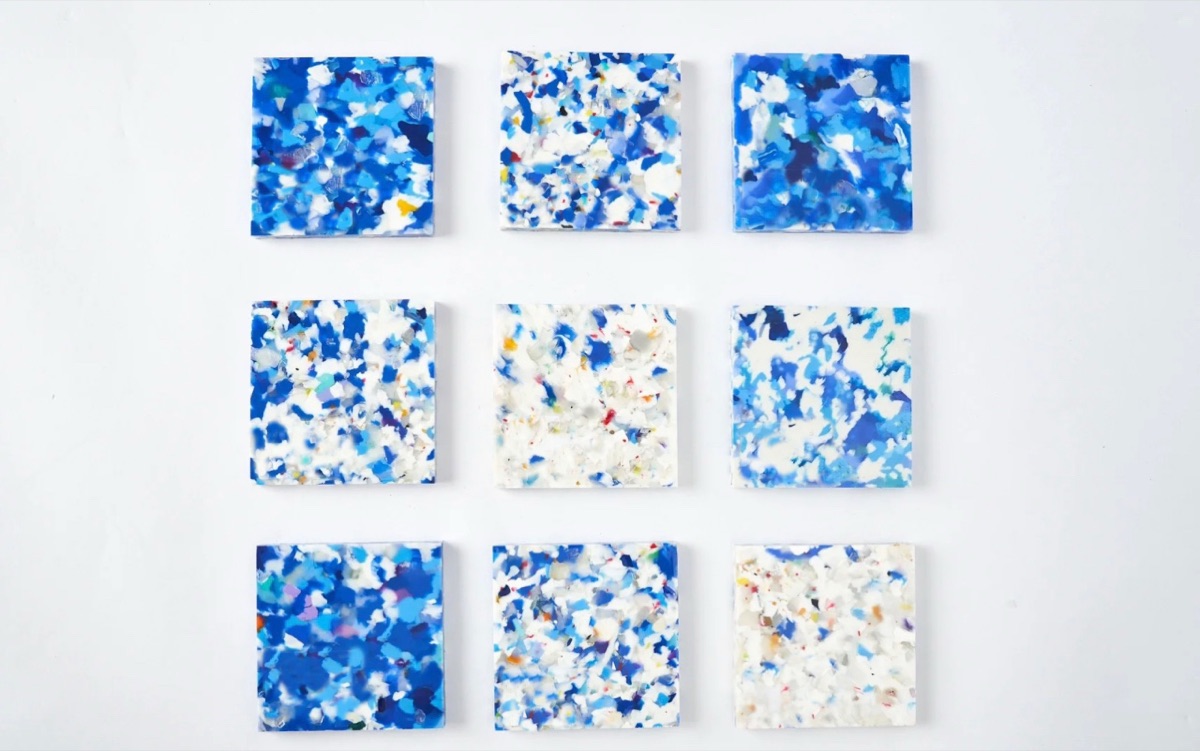
Show more than a single attractive crop. A review sheet can place several proposed faces next to one another and identify intentional contrast, knots, mineral details, or other visual features. Label these as design proposals until the manufacturer has reviewed them. The goal is to communicate the planned range, not to imply that a production distribution has already been proven.
Explain how the design should read at room scale as well as close up. A room image can help communicate overall rhythm, while a detail sheet supports discussion of individual features. Keep the two connected through the same design ID so feedback on one view does not accidentally get applied to another design.
Link color intent and texture intent without merging them
Benchwick's official innovation overview identifies Blue Eleven with digital printing and DSE with synchronized embossing. Those are useful distinctions when preparing a brief: describe the desired printed appearance and the desired tactile result separately, then explain how the two should relate.
Mark the specific features you want to discuss. If the intent is for a visual grain feature and a tactile feature to correspond, identify the region on the reference sheet. Avoid requesting that a surface simply “feel more realistic” without explaining what needs to change. The manufacturer can then clarify what information and sampling are needed.
For color, agree on the physical reference and review conditions instead of treating a screen image as a guarantee. Record the reference ID and who retains it. Do not prescribe an unverified tolerance or assume that one approved viewing condition answers every project question. Keep any unresolved color decision separate from a texture decision.
Use a handoff table to prevent category mistakes
The table below separates common deliverables by purpose. It is a preparation aid, not a required Benchwick submission specification. Confirm which items apply to your program and remove unnecessary material rather than increasing the package size without a reason.
| Deliverable | Useful for | Does not establish |
|---|---|---|
| Editable artwork master | Controlled design development and agreed revisions | Automatic acceptance by a production workflow |
| Labeled review export | Reviewing a specific design and revision | Final physical color approval |
| Scale and variation sheet | Explaining feature size, orientation, and intended range | A proven production mix or yield |
| Texture reference notes | Explaining tactile intent and its relationship to artwork | Verified registration or performance |
| Physical reference record | Identifying the sample and the decision it supports | Approval of unrelated technical or commercial requirements |
Request a specific response and control revisions
Before transferring the package, open the delivered files yourself and compare them with the manifest. Check that the revision is consistent across the brief, artwork, references, and sample labels. Confirm that the intended recipient has access through the agreed channel. A successful upload alone does not confirm that the package is complete or usable.
Ask the manufacturer to acknowledge the package and identify missing inputs. Keep that acknowledgment separate from design approval. When feedback arrives, record the decision and its scope: accepted for feasibility review, further information requested, sample revision required, or another explicitly defined outcome.
If a file changes, issue a new revision with a concise change note. State whether the change affects only presentation material or could affect the intended appearance, texture, dimensions, or sample reference. Ask which review steps need to be repeated. Retain the earlier revision as history, but make it clear that it is not the active instruction.
Make the next review easier to complete
A strong flooring design files handoff is a small, organized decision package. It connects the project brief, active artwork, scale references, color intent, texture notes, and open questions without pretending that any one document proves the finished result. That clarity gives both teams a better starting point for practical discussion.
Review Benchwick's product overview for context, then use the Benchwick contact page to confirm the appropriate review route and current requirements. Send the agreed material with a named revision and a specific question. Keep approval scope and future changes documented throughout development.
Frequently asked questions
Which file format should a flooring design team send?
+
Ask the receiving manufacturer to confirm its current accepted formats and export settings. Keep an editable master and provide the agreed review export; do not assume that a file opening successfully makes it production-ready.
Can a room rendering serve as the final color reference?
+
A room rendering can communicate design intent, but it should not be the sole final color reference. Agree on a physical reference, viewing conditions, and a documented approval method with the manufacturer.
Should artwork and texture references use the same revision?
+
They should be explicitly linked in the handoff record. If artwork and texture are revised separately, list both revision IDs and identify the pair being reviewed so the team does not combine incompatible versions.
What should happen when the design changes after handoff?
+
Issue a documented revision that identifies the changed files, the reason, and the affected references. Ask the manufacturer which review or sample steps must be repeated, and obtain a clear acknowledgment before treating the revision as accepted.